Reset my password
This guide shows you how to request a password reset.
Note
You can only request one reset every 15 minutes. This prevents abuse of the reset system.
Steps
Step 1: Go to Forgot Password page
Click the forgot password button located between the username and password fields.

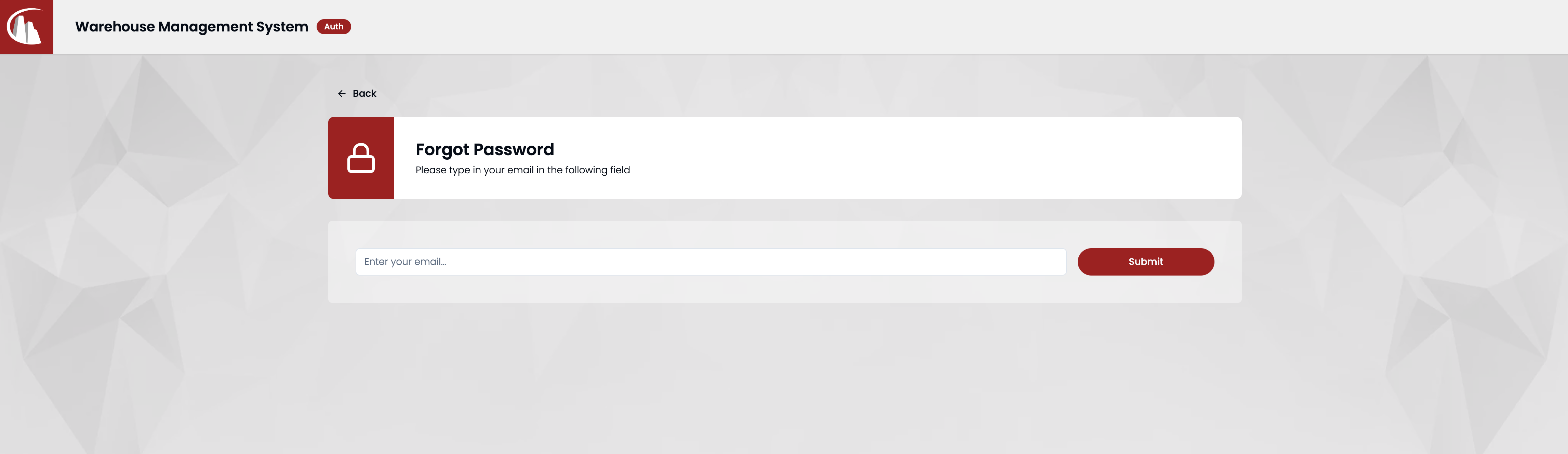
Step 2: Enter your email
Type your email address in the field.
Step 3: Check your email inbox
If you entered the right email address, you'll receive an email like the following.
Warning
The email may end up in your junk mail folder. Check there too.
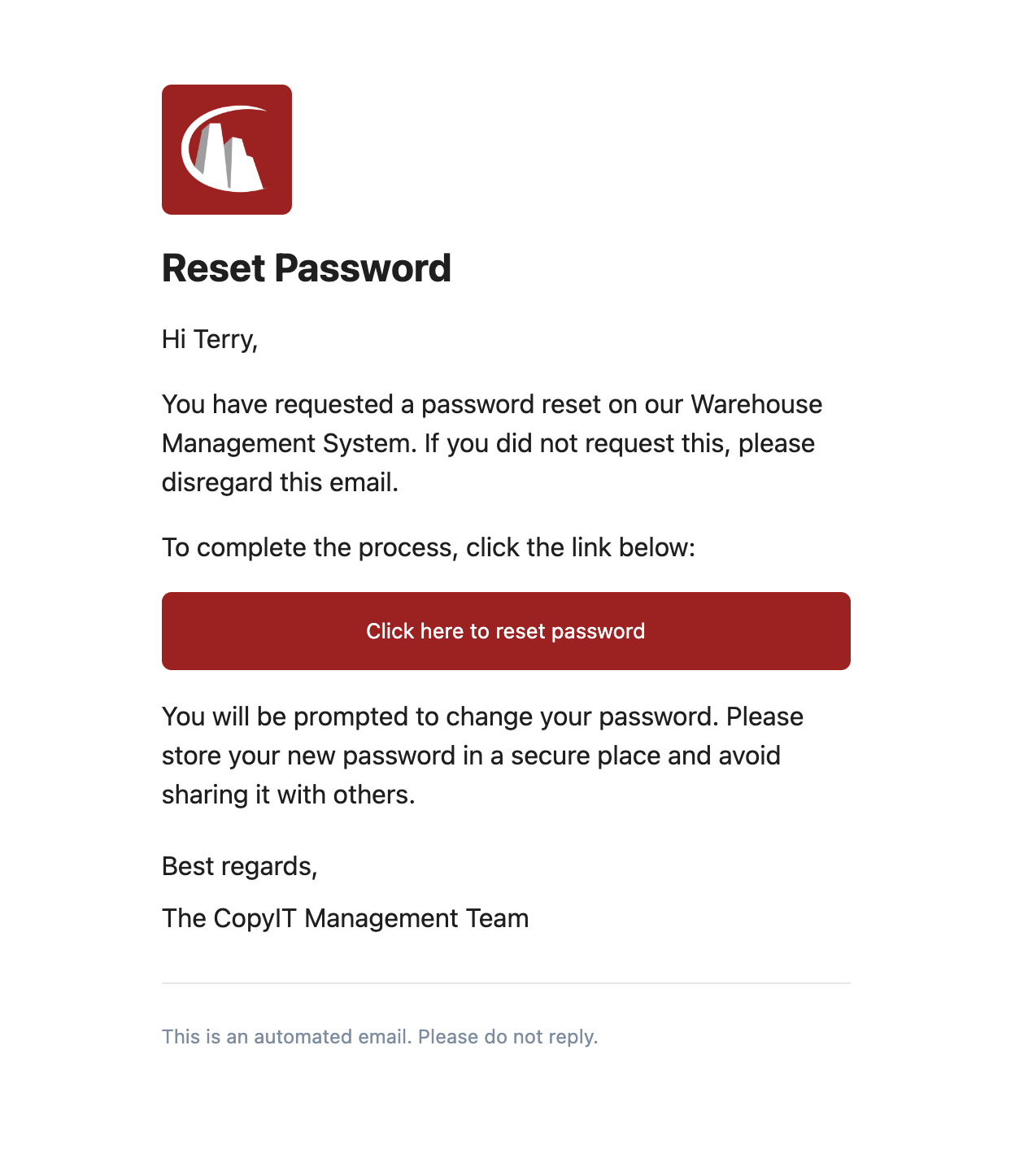
Click the button to start the reset process.
Step 4: Reset password
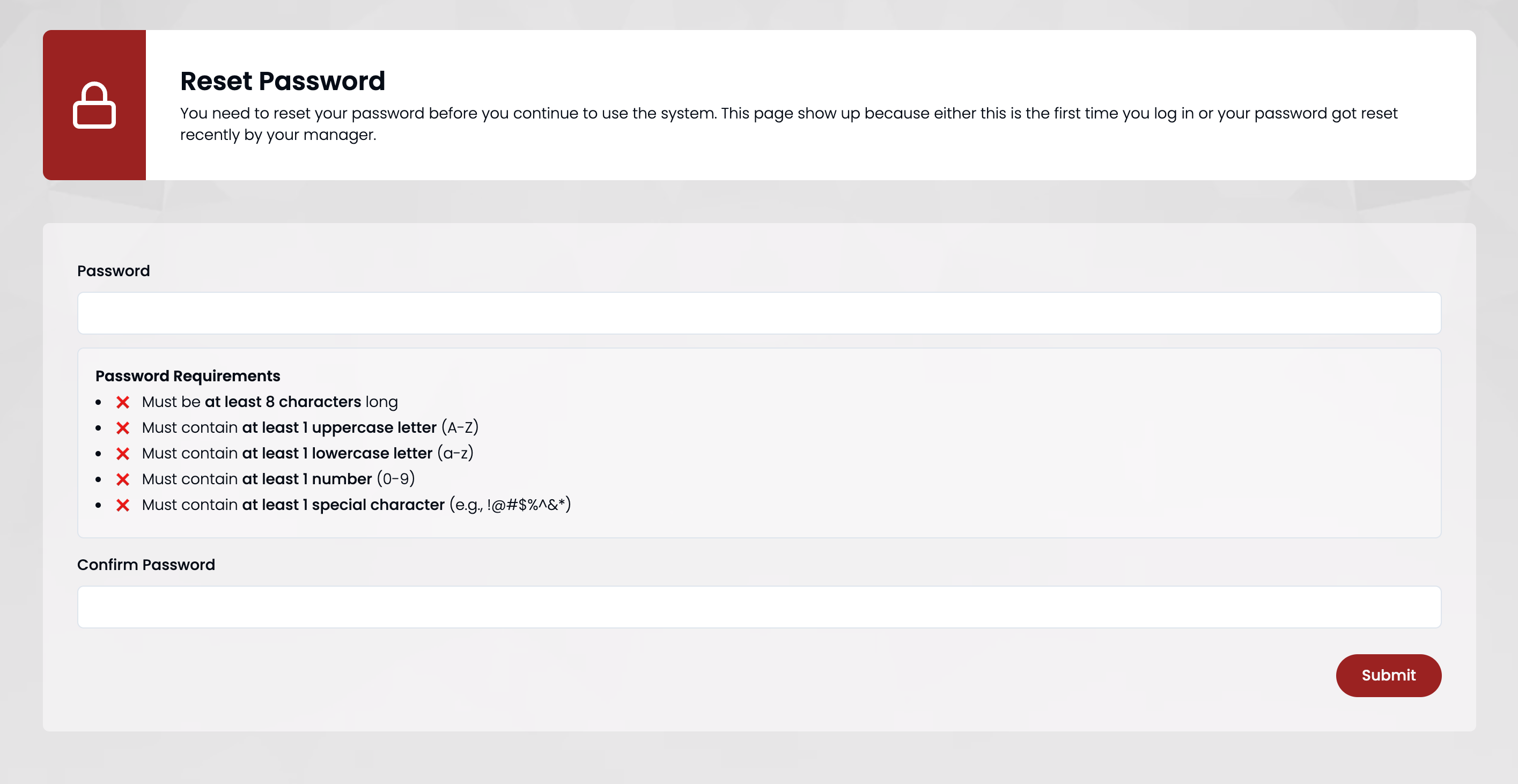
Follow the instructions to pass the strong password check, then click Submit when finished.
Step 5: Log in
For security reasons, you'll need to log in again using your new password.